New Desmos Tool: Desmos Notebook!
The list of Desmos tools is growing again! This week is officially ‘Notebook Week’, the week Desmos officially released Desmos Notebook to the public, now in its Beta version.
This was introduced to Desmos Fellows on a call earlier this school year, and I remember checking it out at the time and thinking how incredible and powerful this could be, not just in the classroom but also in a professional setting. Desmos has been around long enough now that the students who grew up in math classrooms using the Desmos graphing calculator and activities are now in professional and corporate settings, working at jobs that require data analysis, mathematical presentations, STEM skills, and more. Desmos employees have asked some of these professionals what they are using when creating their presentations, and many of them said that they frequently use Desmos to create high-quality, interactive, beautiful graphs. As a result, Desmos has taken their graphing calculator a step further (or many steps further) and created Notebook, an interactive word document that includes embedded graphs, 3D visuals, variables, sliders, and expressions. Here is an excellent 5-minute video introducing the basic building blocks of Notebook and a link to open a blank, new Notebook to get started:
Desmos created a User Guide Google Doc with links to get new users started and has a collection of sample gallery Notebooks to give ideas and inspiration. They also created another introduction to Notebook using a Desmos Notebook! Check it out HERE.
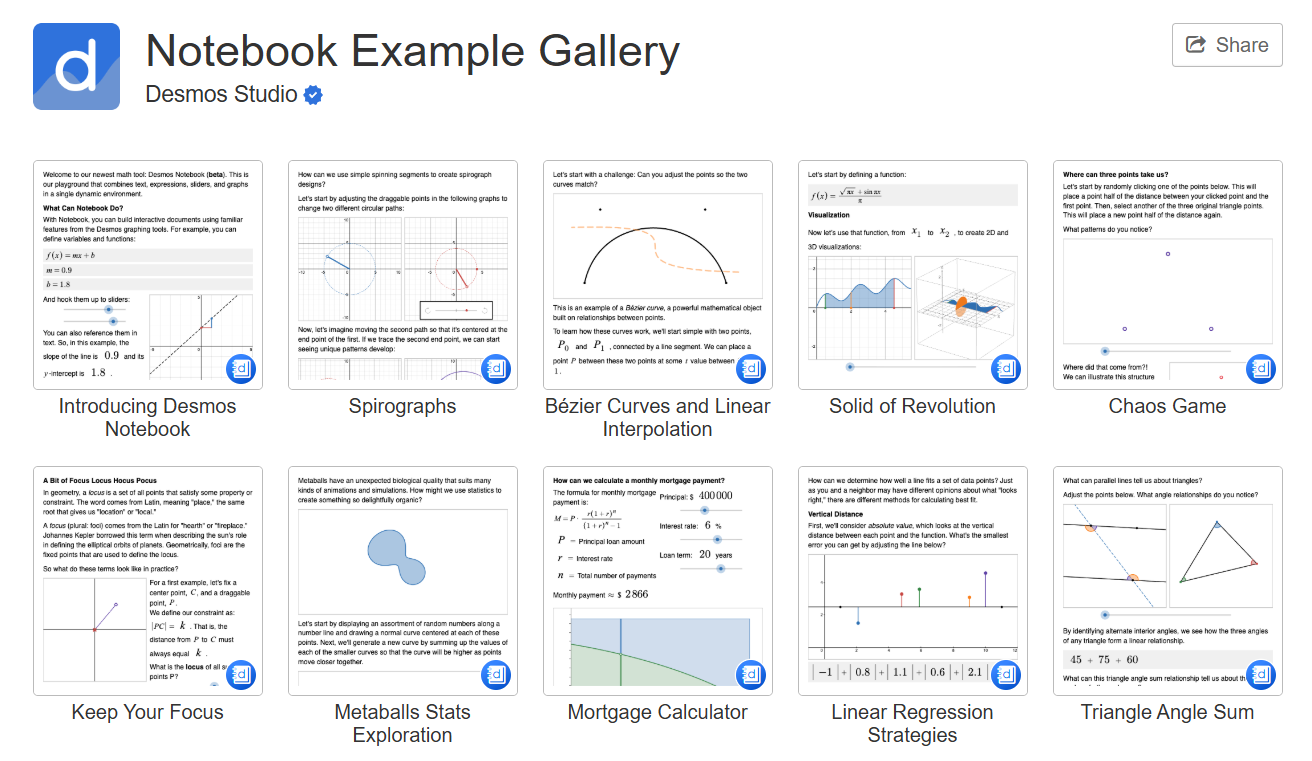
The Spirograph notebook is very cool with its mesmerizing visuals, the Mortgage Calculator is simple and very clear with its depiction of interest and principal payments, but the sample Notebook that stood out the most to me was Solids of Revolution. It only contained one example, but I was immediately inspired and excited about the possibilities of how this could be incorporated in my classroom. Solids of Revolution are fun to work with, and I already have visuals on Calculus in Motion, with a couple Desmos activities, but this Notebook example went above and beyond what I have used. I am thinking of ways to incorporate it next school year during Unit 8 in AP Calculus when we discuss Solids - maybe I’ll have each student create a tutorial of how to do Solids of Revolution with their own example? Maybe they’ll also submit a short video recording of them going through their Notebook and explaining how to do the set-up? I might create some tutorial-style Notebooks for each major topic in Calculus, something for students to go through either at the start of a unit to introduce it or at the end of the unit as a review before an assessment. Lots of potential here! It would be neat if there was a way to incorporate the Notebook into a Desmos activity or Google Classroom-style format so that each student could get their own ‘copy’ of the Notebook and I could see if and when they went through it. Or if there was a way to insert questions throughout the Notebook for students to answer as they went through it, with a way for me to see their progress and answers.
Without a doubt, the most powerful feature of Desmos Notebook is the inclusion of sliders to make every graph, visual, and 3D object interactive and able to be manipulated. This allows the reader to really explore the topics being presented in the document.
Because Notebook is new and is still just in its Beta version, Desmos has this disclaimer as it irons out any remaining bugs and continues to improve it based on user feedback:

It’s so fun being a teacher in the Desmos era and being able to play around with the new features as they roll out. I’m excited to see where Notebook goes and what features come out next.