The New TI-84 EVO has Arrived!
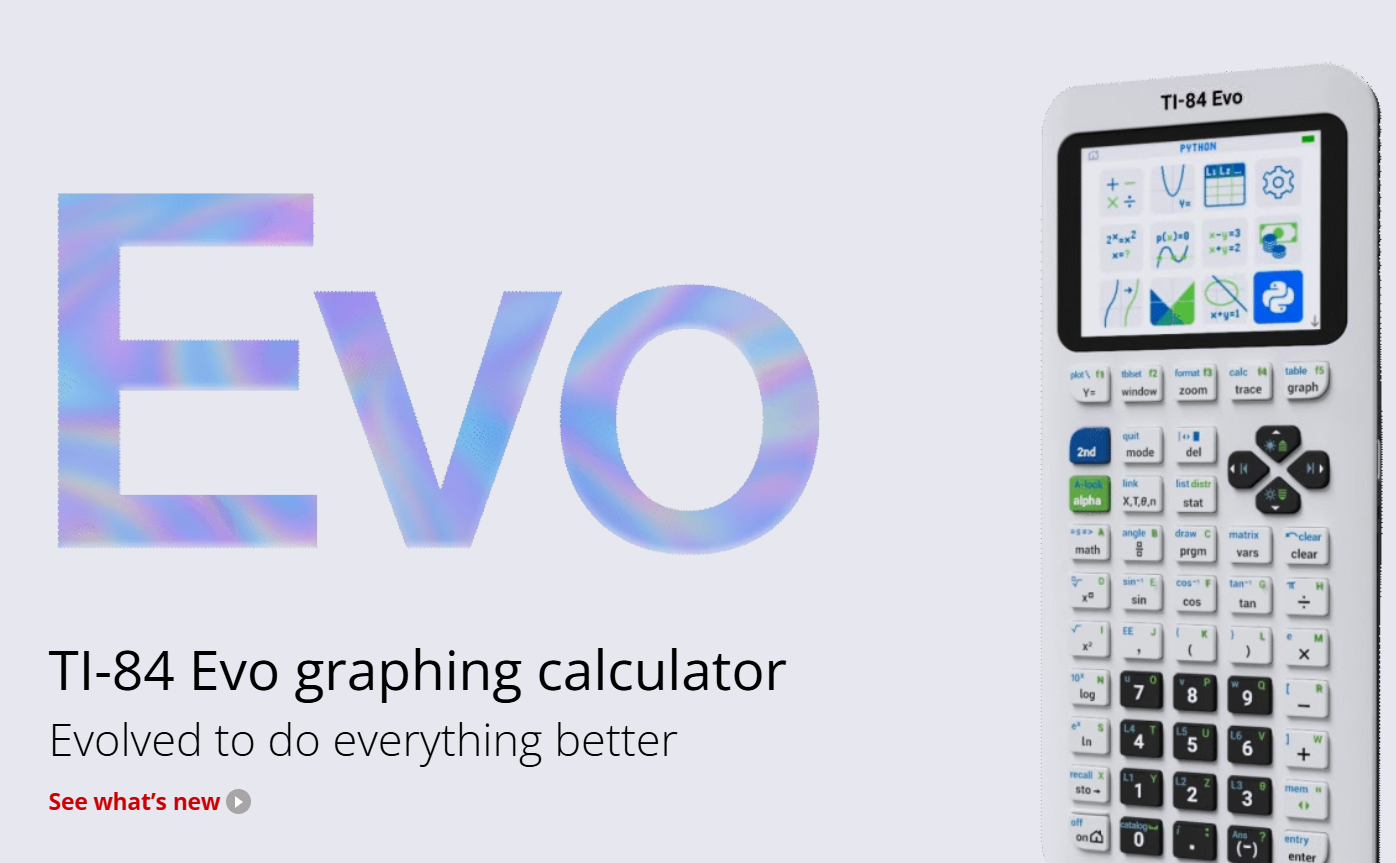
On April 28, 2026, Texas Instruments made a big announcement that came as a huge surprise to me: they had just dropped a new TI-84 calculator with some big, much needed upgrades - the TI 84 EVO!

This was TI’s first update to their TI 84 graphing calculator since January 27, 2015, when they released the TI 84 plus CE. Before that, there was the TI 84 plus, which was released in June 2004. When I was in high school, I still used the TI 83 graphing calculator even though the TI 84 plus was already available.
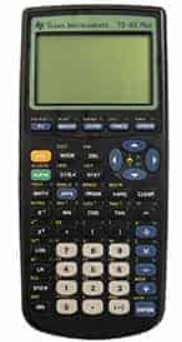
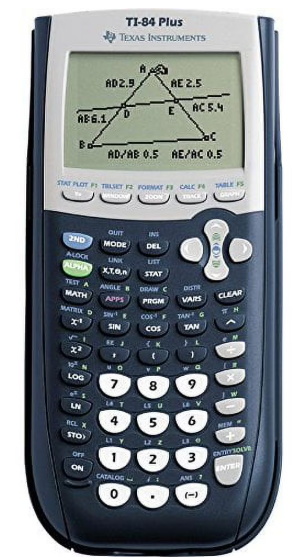
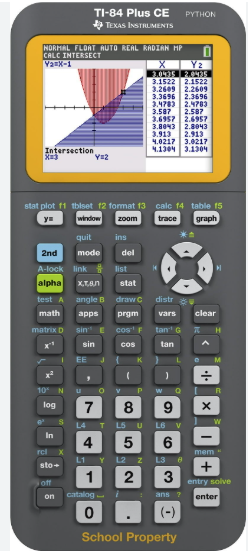
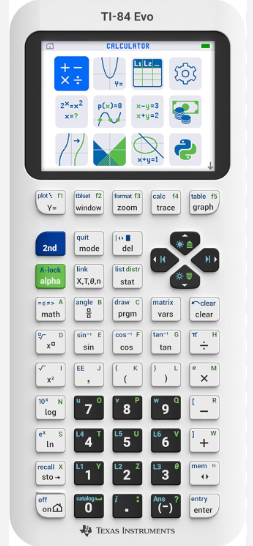
To mark the occasion, TI held a calculator giveaway sweepstakes up until May 10 for teachers to win a brand new EVO along with some other calculator related prizes and swag.


I entered the raffle but at this point I haven’t heard anything, so I think I’m out of the running for a free hand-held. However, TI is offering a free online EVO graphing calculator for all teachers who reach out to their TI regional representative and request a 3-year license.
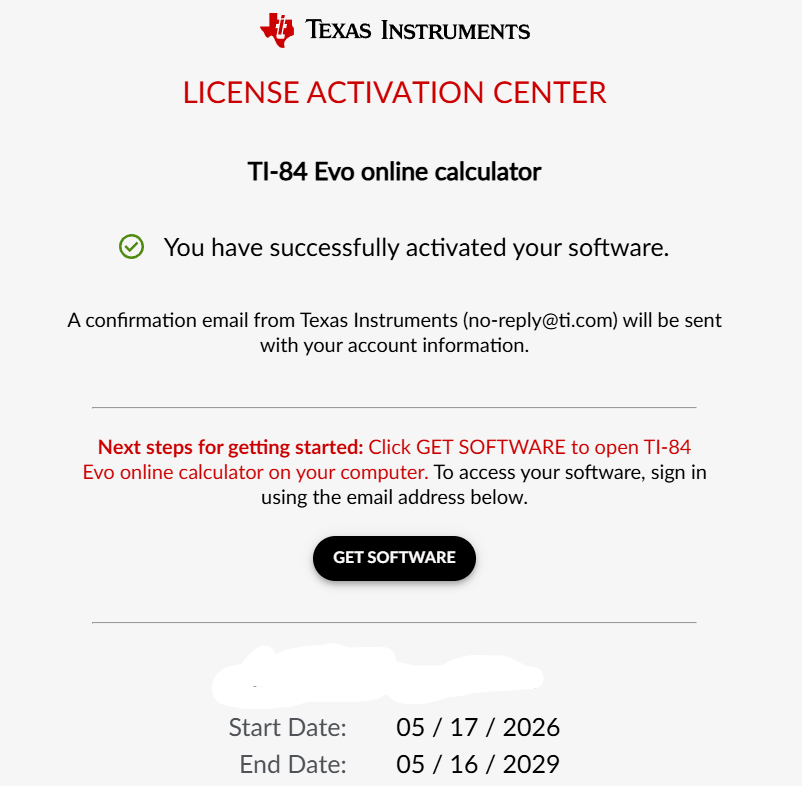
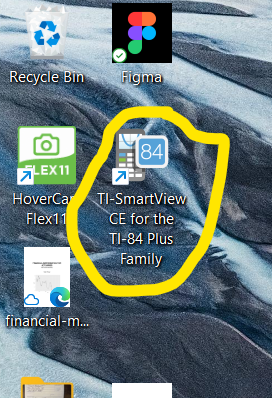
My only issue with this is that it’s just an online graphing calculator rather than an actual program downloaded to my computer. This means I have to save the tab and hope I have internet when I want to use it. Previously, I had always gotten the free teacher SmartView TI 84 plus CE graphing calculator downloaded onto my computer, which I was able to use whether I was on WiFi or not. I used this software at times when making my instructional videos when I wanted to show calculator keystrokes or visuals.
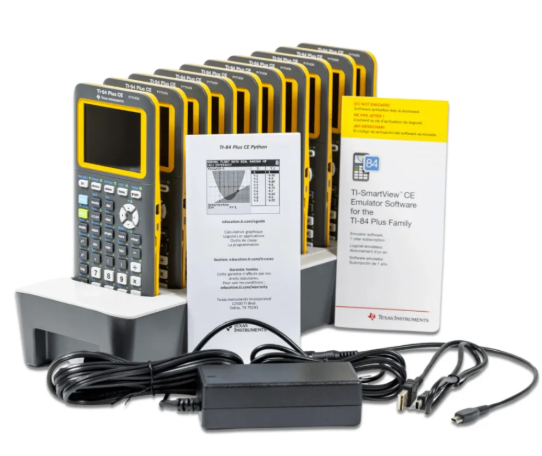
As a Desmos fellow (Cohort 6!) and huge fan of the power and beauty of Desmos graphics, nothing will ever come close to Desmos’ graphing calculator and highly-engaging activities. However, I use graphing calculators daily in all of my classes, and I have a class set of TI 84 plus CE calculators which I actually just received this past Fall. This was very exciting for me because before that, I did have a class set of graphing calculators (as used to be required by CollegeBoard in order to teach AP Calculus), but it was a mixed collection of various old TI 84 plus calculators. These older calculators required batteries, and I was constantly taking out the batteries and charging them on a little station I had. The batteries for 30 calculators were a pain to keep track of and constantly pick out and replace. With my new class set of TI 84 plus CE calculators, I have this great charging station that came with the calculators, so anytime a battery is running low, the students no longer have to leave the calculator on my desk for me to deal with later. It’s self-service: they can just place it in the charger themselves and it quickly charges for the next period.
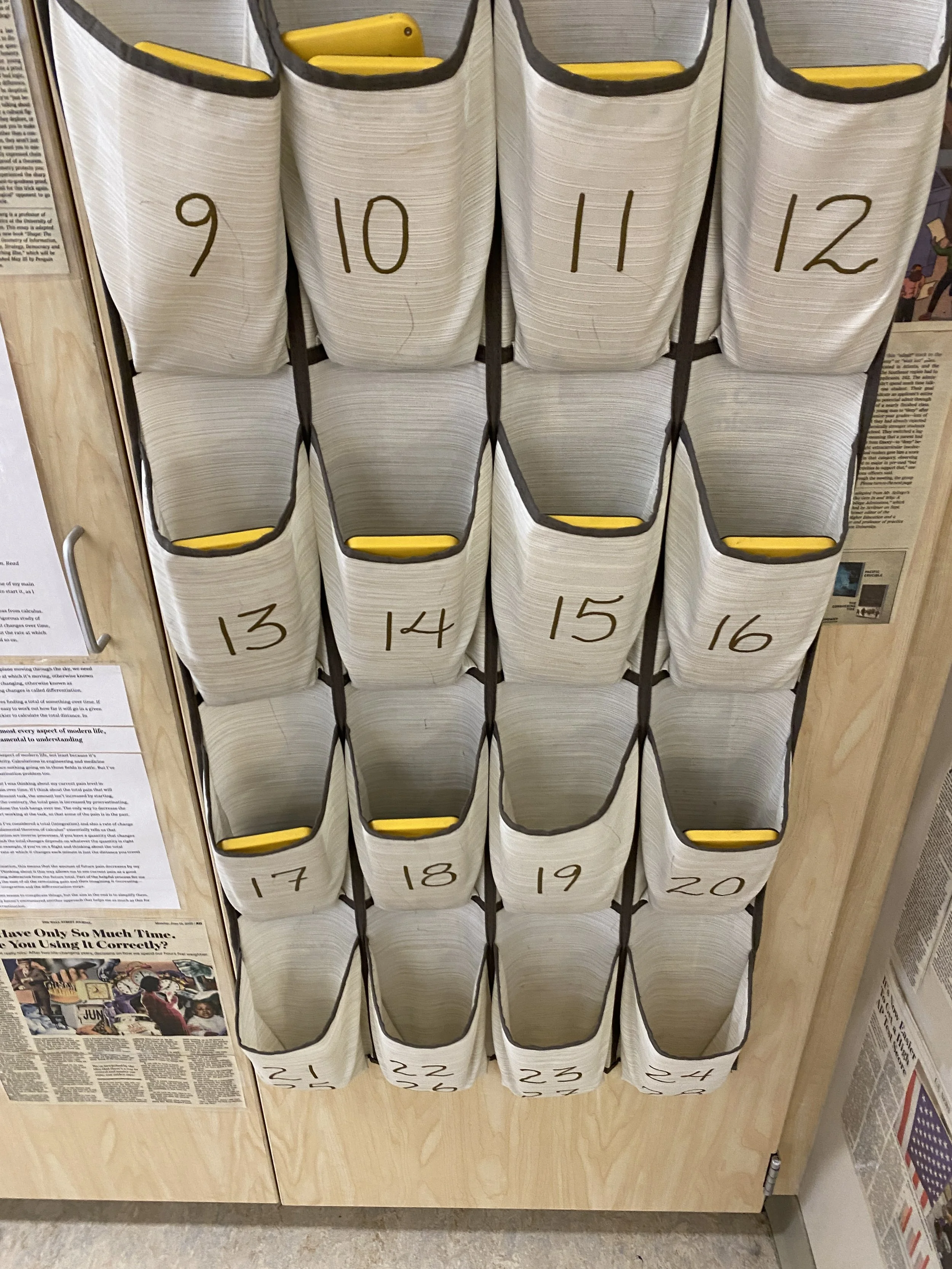
Here’s the hanging shoe rack where I store my calculators (each numbered slot goes with a numbered desk). The calculators were partly missing for this photo due to students using them for AP testing.
As of 2025, College Board now allows the Desmos graphing calculator to be used on the AP exams in addition to hand-held graphing calculators. However, the main advantage of using the hand-held graphing calculators in class for everyday use is the convenience and ease of use. When a graphing calculator is needed, students can just grab one from the hanging rack, turn it on with the click of a button, and immediately begin using it. In theory, the Desmos calculator really shouldn’t be much more work to access, but somehow that is just never the reality in my classroom or even my school. Whenever it’s a day that I specifically want students to use Desmos, either for more interactive graphing, easier manipulation of graphs, or a Desmos activity, then inevitably a handful of students will not have a computer or tablet on them. Another handful will have a device but have forgotten to bring a charger. We end up spending a minute figuring out who has a charger to borrow, who then needs to change seats to plug into a wall charger, and who needs to go on a walk to find a device to use. Then students need to log into their laptops. This presents another set of potential issues, typically related to the building WiFi allegedly “not working,” someone’s device being “really slow that day,” or someone’s device having issues connecting to the WiFi. Next I’ll have to direct the students numerous times to the Google Classroom to click the link to get to the Desmos activity.

But anyways!! Here is a quick video I made using my online calculator where I point out some of the upgrades that immediately stood out to me:
HERE is a great Instagram post from another math teacher highlighting some of the main upgrades from the TI 84 plus CE to the TI 84 EVO. I love how she designed her photo slide show!
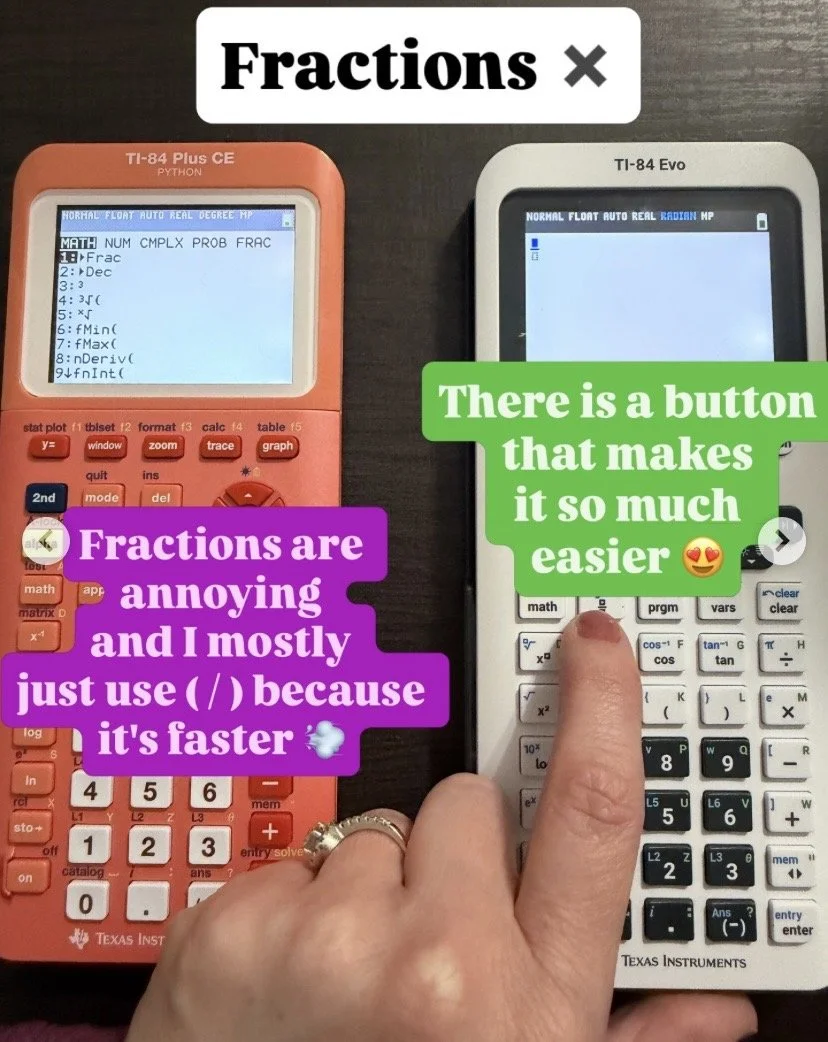
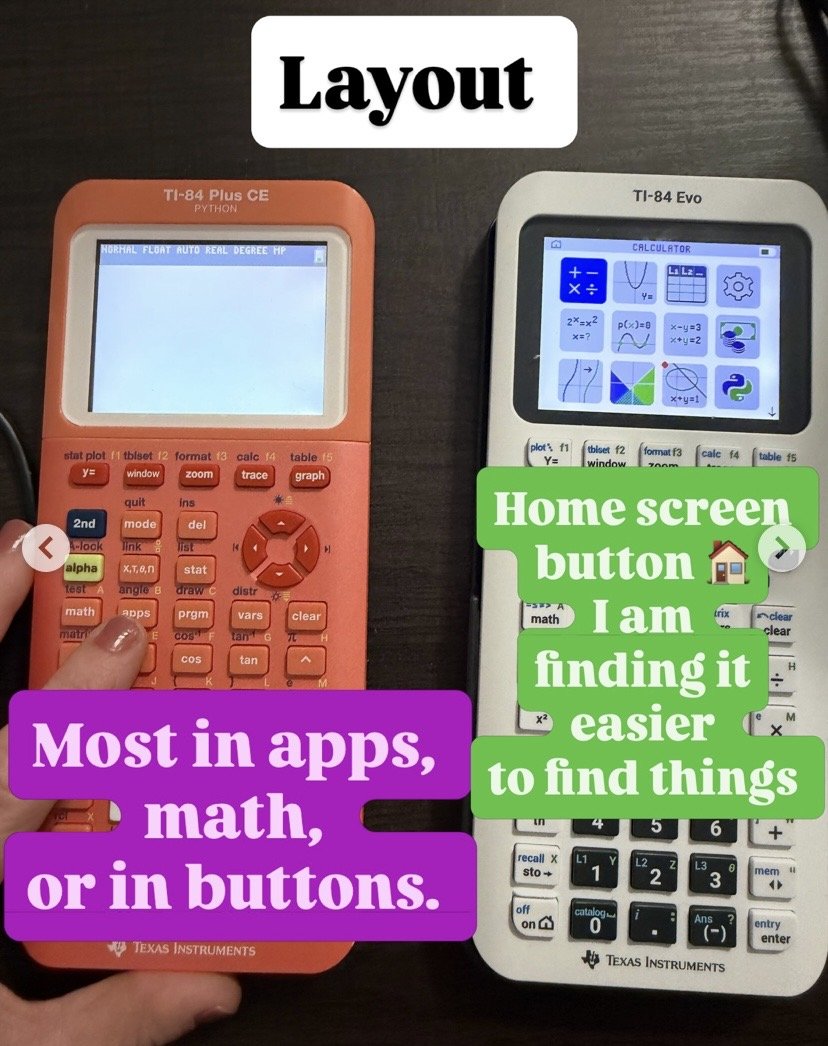
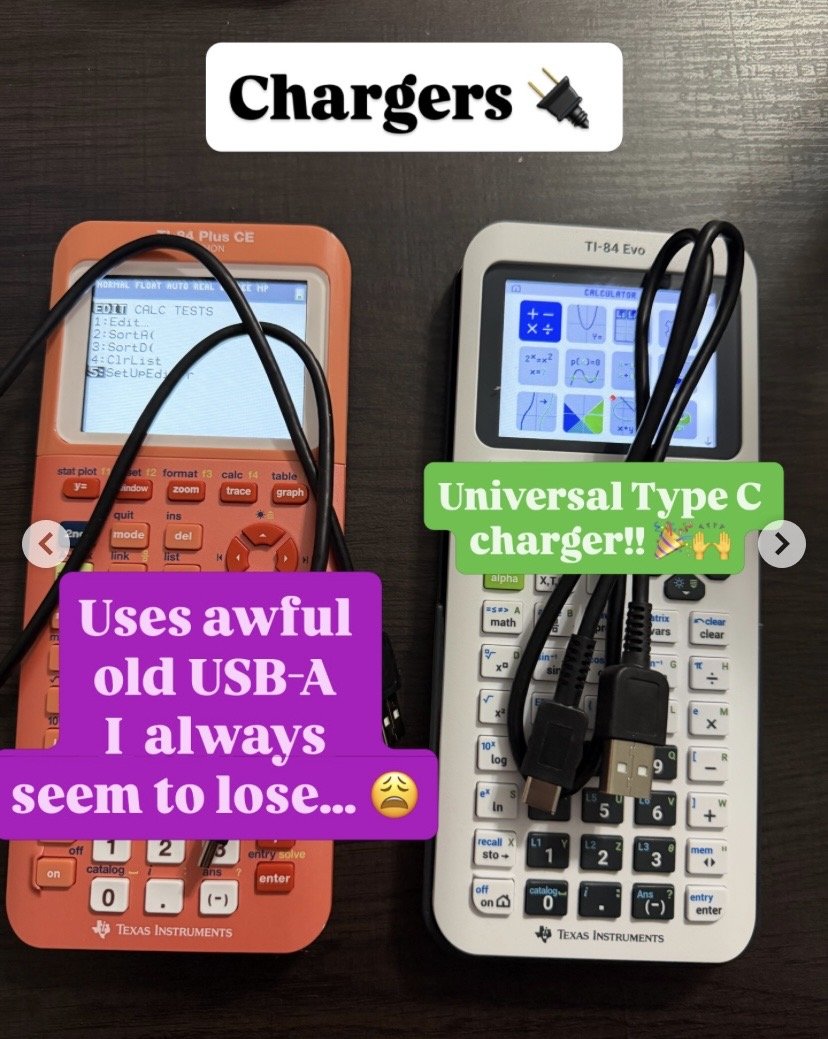
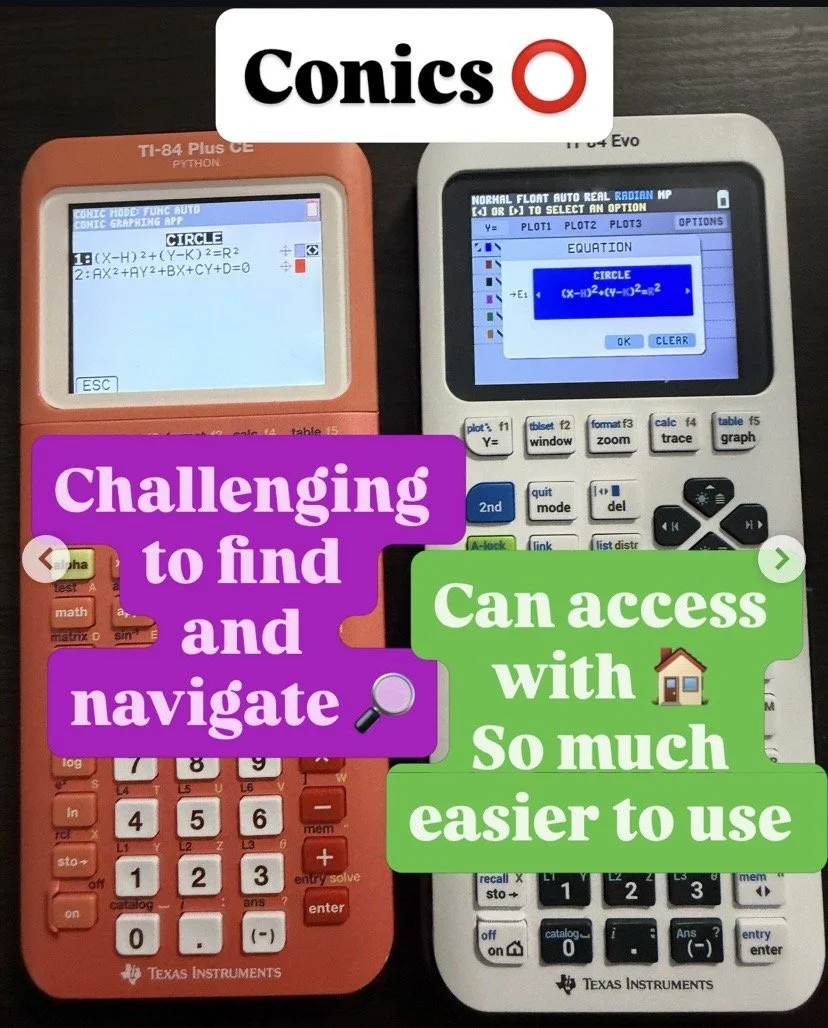
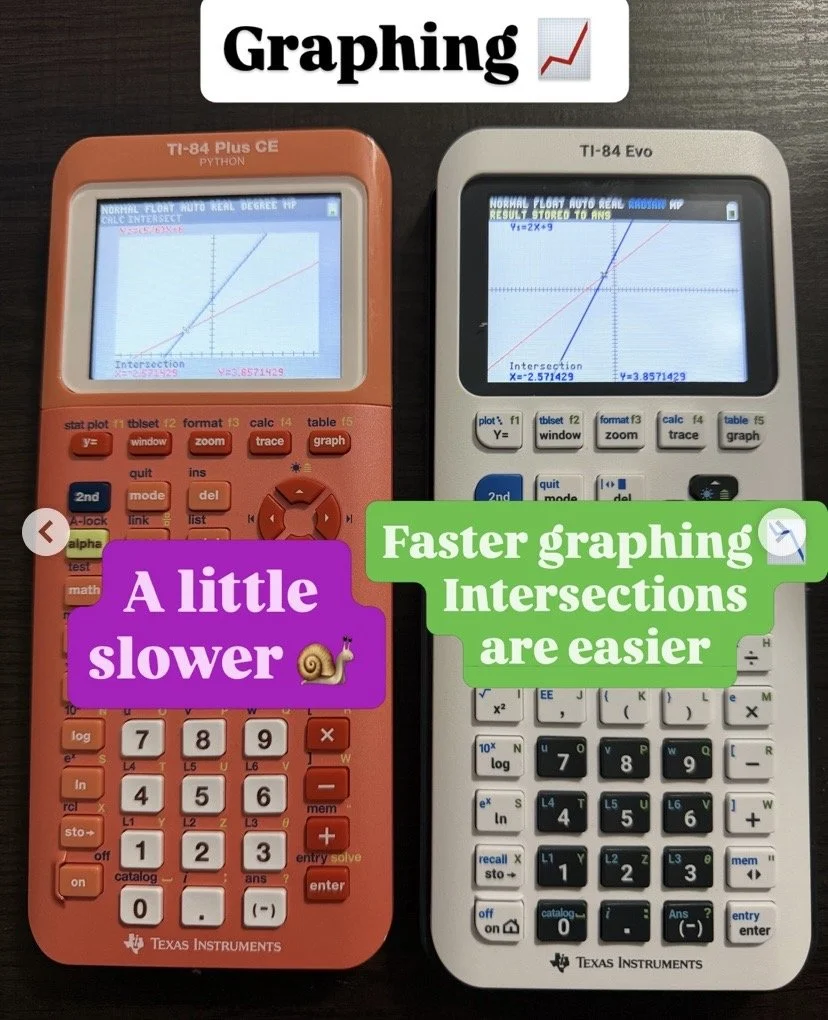
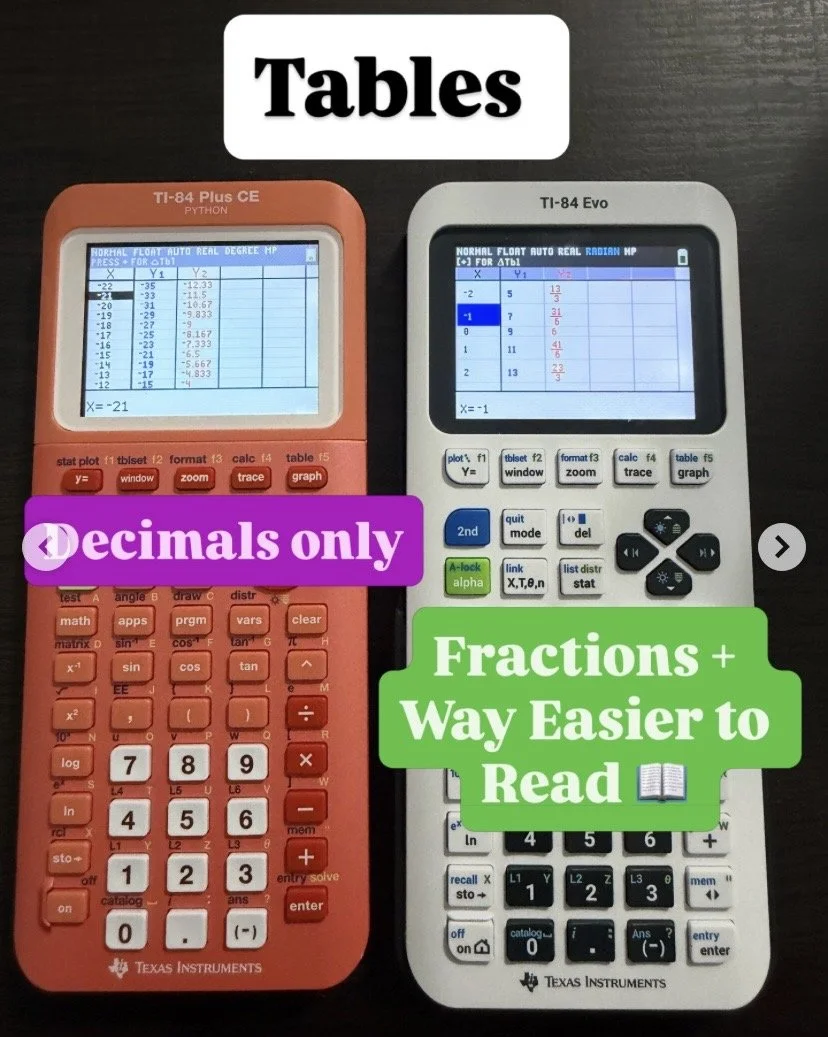
The new TI 84 EVO is listed at around $160 right now. I’m curious to see how many students arrive in the Fall with one of these new upgrades, since up until now, the trend had been fewer and fewer students buying a handheld graphing calculator at all and instead opting to use the Desmos online graphing calculator. Either way, the upgrades to the TI 84 calculator family were highly needed!